Everything in
Archetype
Your brand system, the tools to make and check work against it, and one link that puts it in every agent your team uses.
Start buildingYour whole brand, in one place
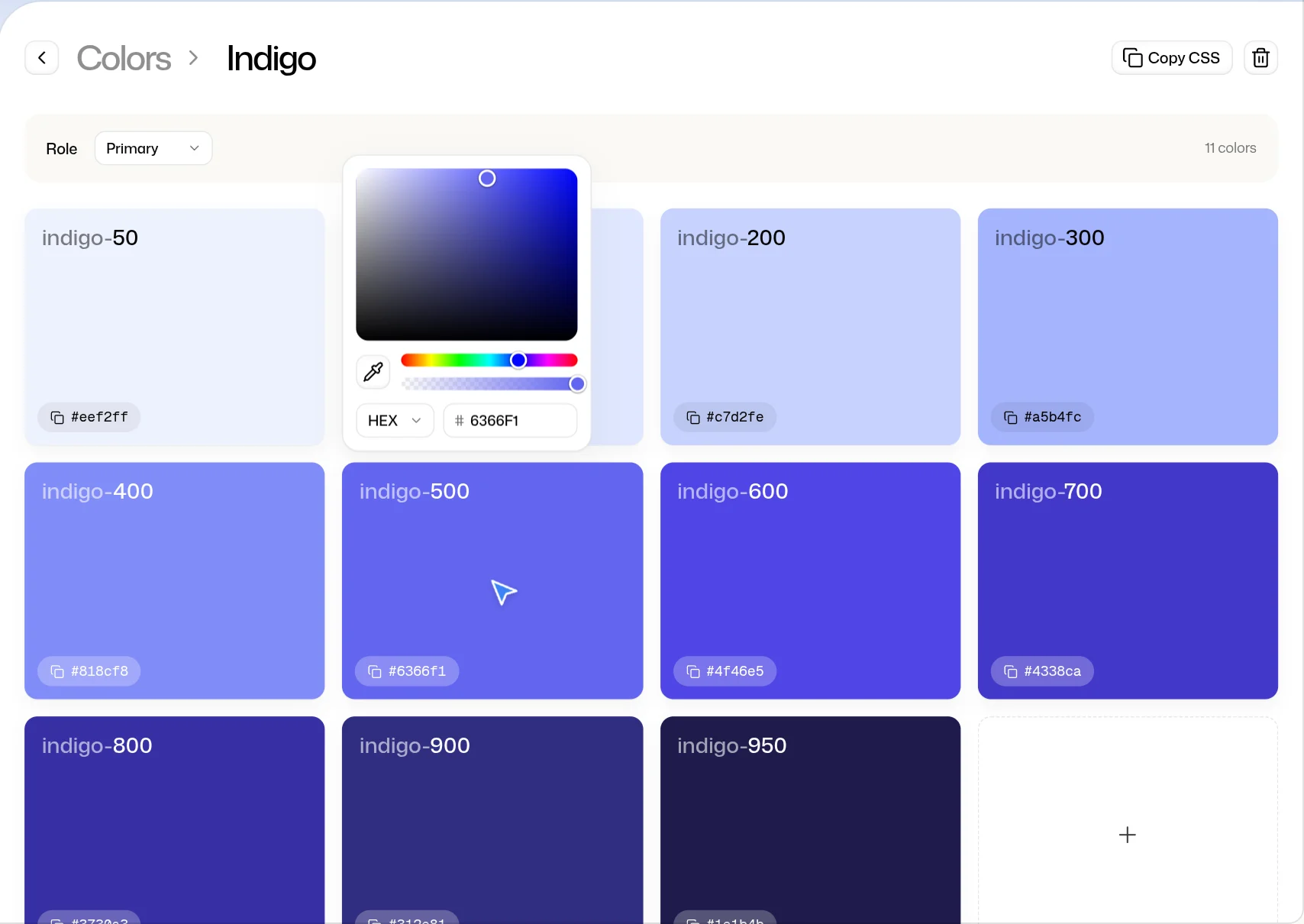
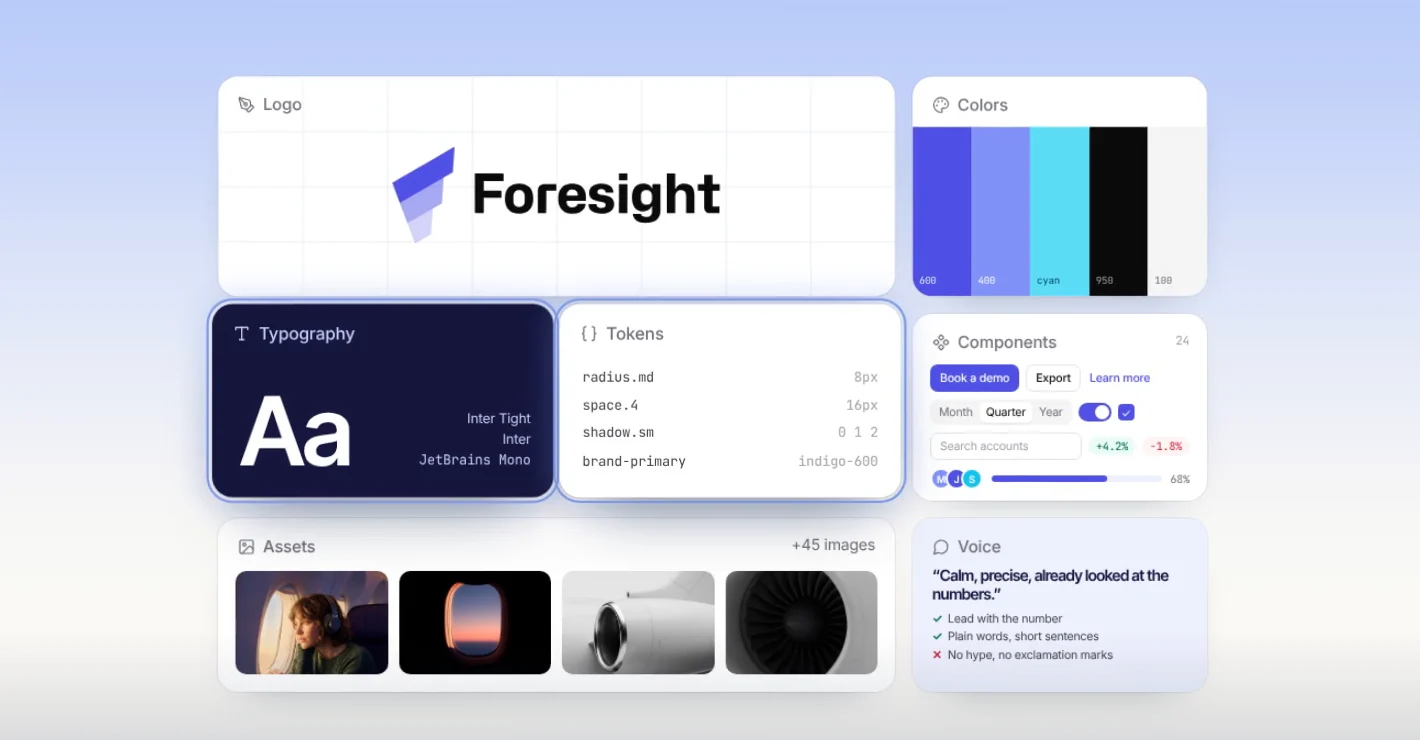
Colors
Scales, semantic tokens and pairings graded for contrast.
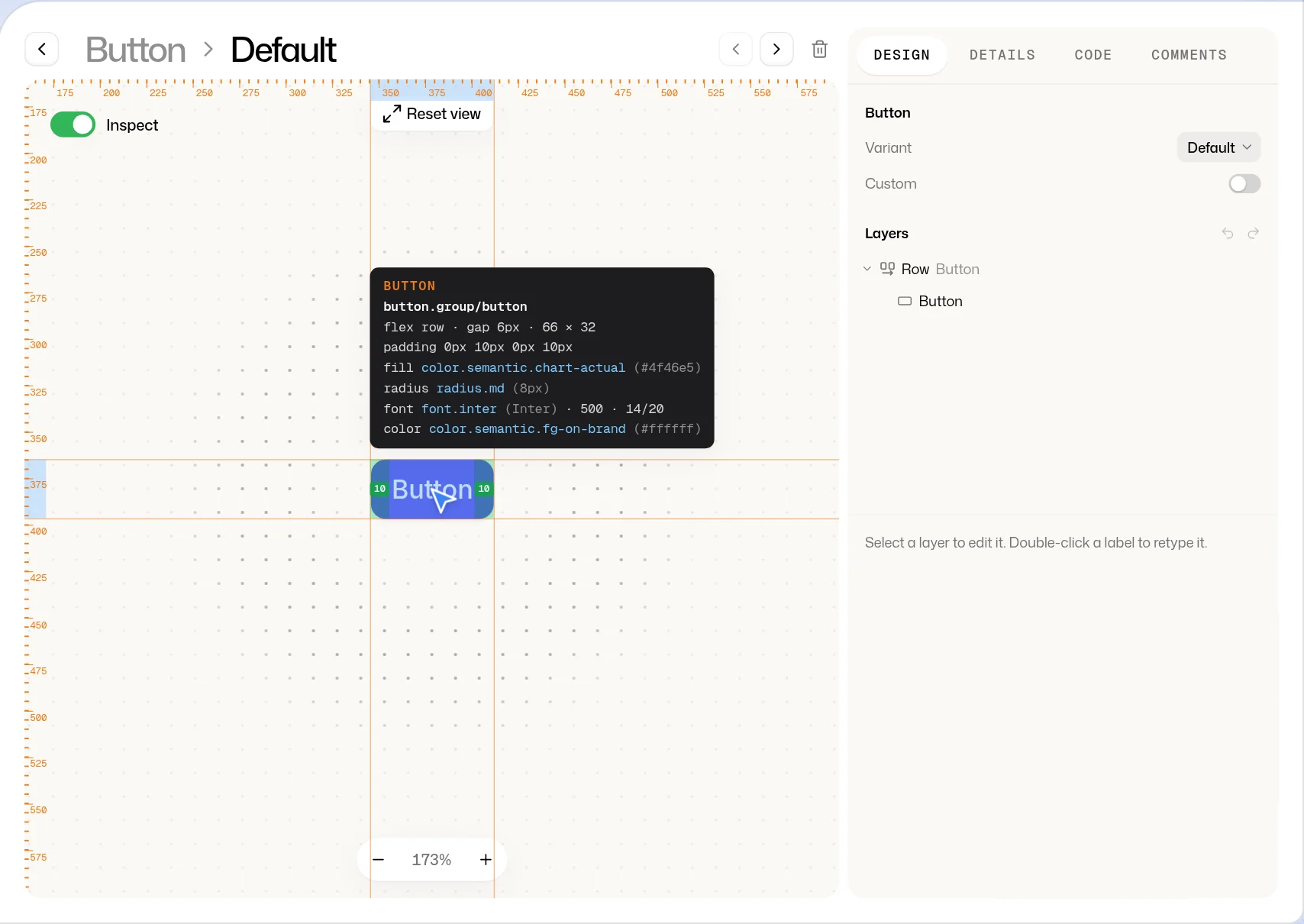
Components
Real HTML and CSS on your tokens, with an inspector that names every value.
Logo
Every variant of your logo, with the ways not to use it.
Typography
Google Fonts or your own files, served to every agent.
Spacing, radius and shadow
The scales your layouts are measured in.
Gradients
Kept with your colors, checked for contrast and imported from Figma.
Starter kit
shadcn’s base components, restyled in your brand.
Component marketplace
Start from shadcn/ui, Radix, Material, Mantine, Chakra or Ant Design.
Icons
Adopt Lucide, Phosphor, Tabler, Material and more at your weight, or keep your own SVGs.
Templates
Social, web, app and file layouts with slots to fill.
Statuses
Draft to complete, and only finished work reaches your agents.
Assets
Every photo, file and PDF on one wall, in folders.
Described by AI
Claude names, tags and describes your files so agents can find them.
Filters
Find any file by tag, type, color or text.
Duplicate finder
Spots repeat files and merges them into one.
Export
PNG, JPEG, WebP or SVG, cropped for every social format.
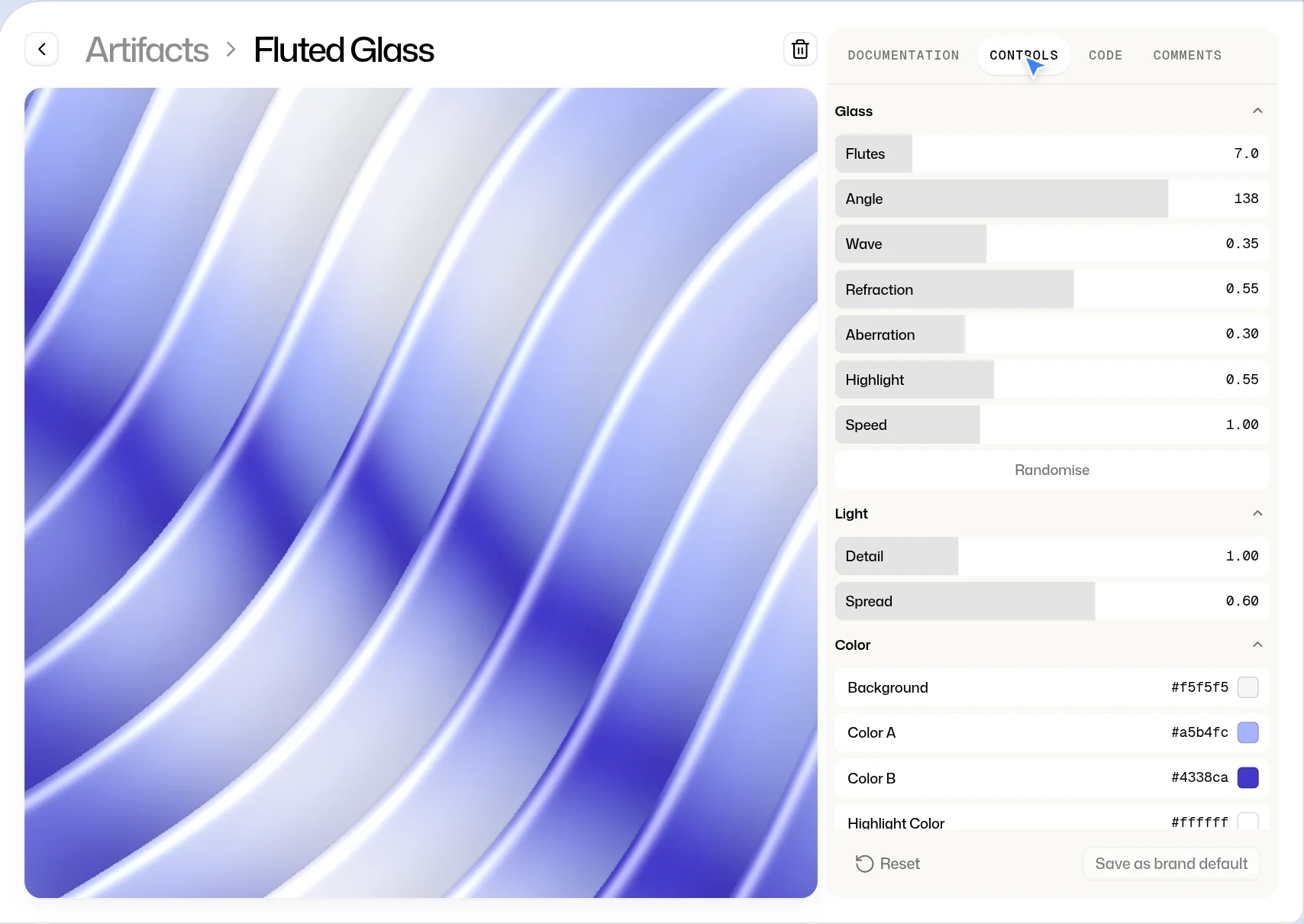
Artifacts
Shaders, patterns and graphics, running live with controls to tune.
Voice
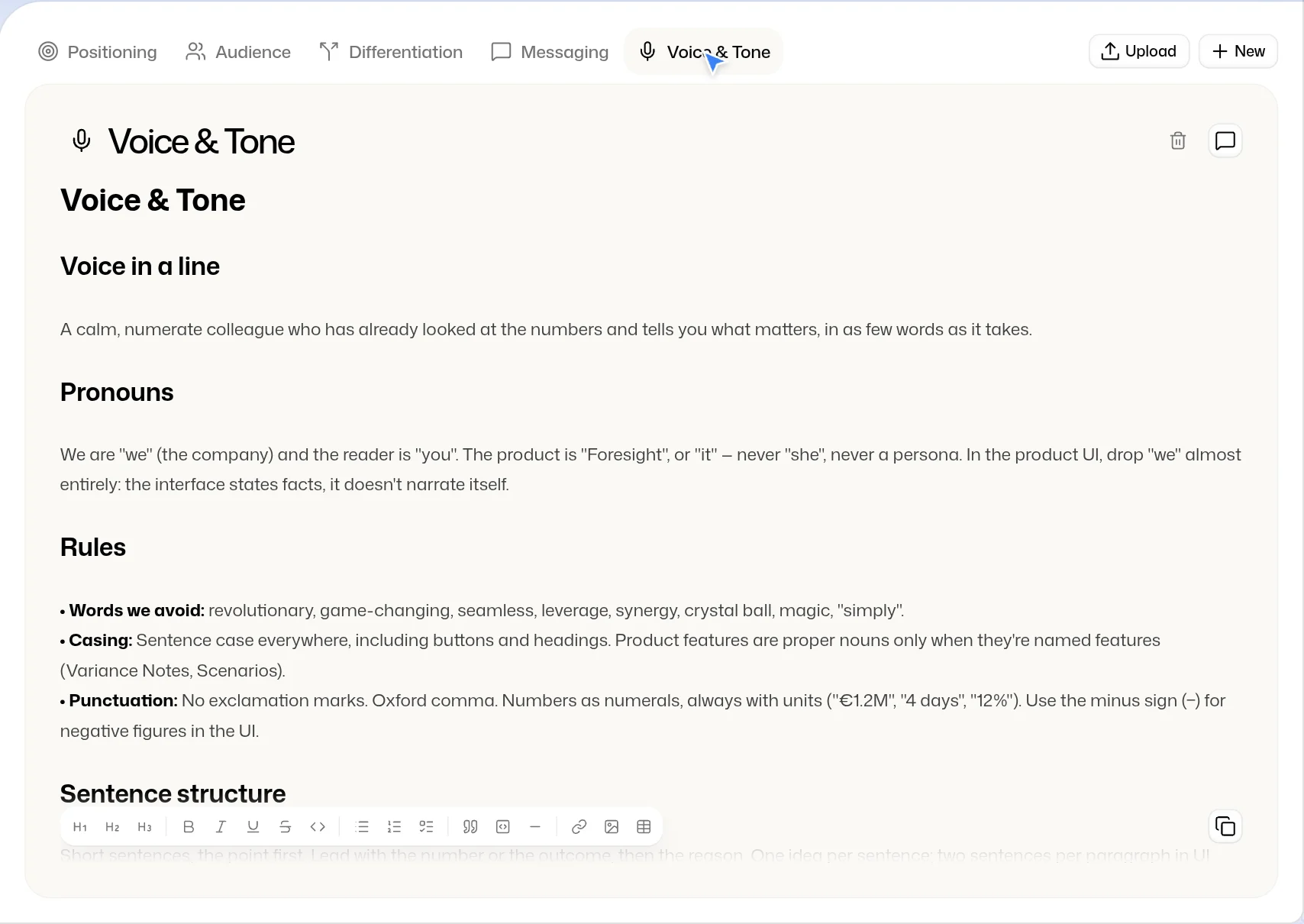
Positioning, audience, messaging and tone, written where agents read them.


Bring your brand in
Extract from your website
Paste a link and get your palette, type, logo, photos and copy, to review before it is saved.
Figma files
Upload a .fig and bring in foundations, components, icons, logos and templates.
Figma library
Link a library and map each component to its source.
Code components
A coding agent reads your repo and brings its components in.
Paste a component
Drop in HTML and CSS and it becomes part of the brand.
Tone from your site
Draft your tone of voice from what your website already says.
Messaging docs
Upload Markdown or text files and they join your voice, for agents to read.
Setup checklist
Ticks itself off as your brand fills in.
Extract again
Run the website read again whenever your site changes.
Make on-brand work
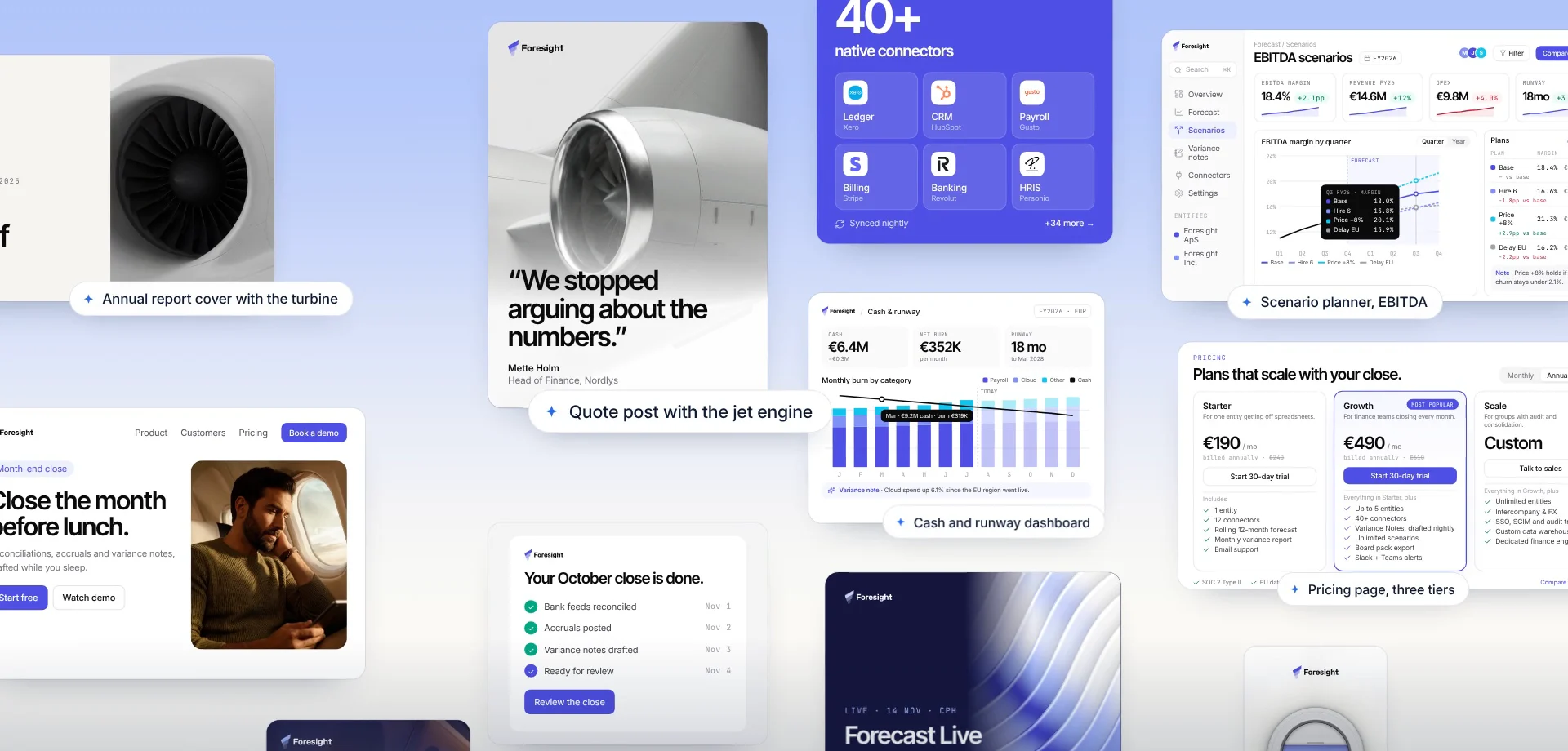
Every format
Social, web, app, email, banner, slides and documents, at every size.
Variations
Up to four takes on every prompt.
Create
Describe it in a sentence and get designs made from your own parts.
How strict
Brand only, brand first or free: you set the latitude.
References
Point it at a component, template, photo or voice document.
Design canvas
Layers, an inspector and a toolbox for edits by hand.
Revise with Claude
Ask for a change and watch it land, step by step.
Use a template
Fill a template from a brief and save it as a design.
Export designs
PNG at the artboard’s size, or HTML and CSS.
Hold anything up against your brand
Check
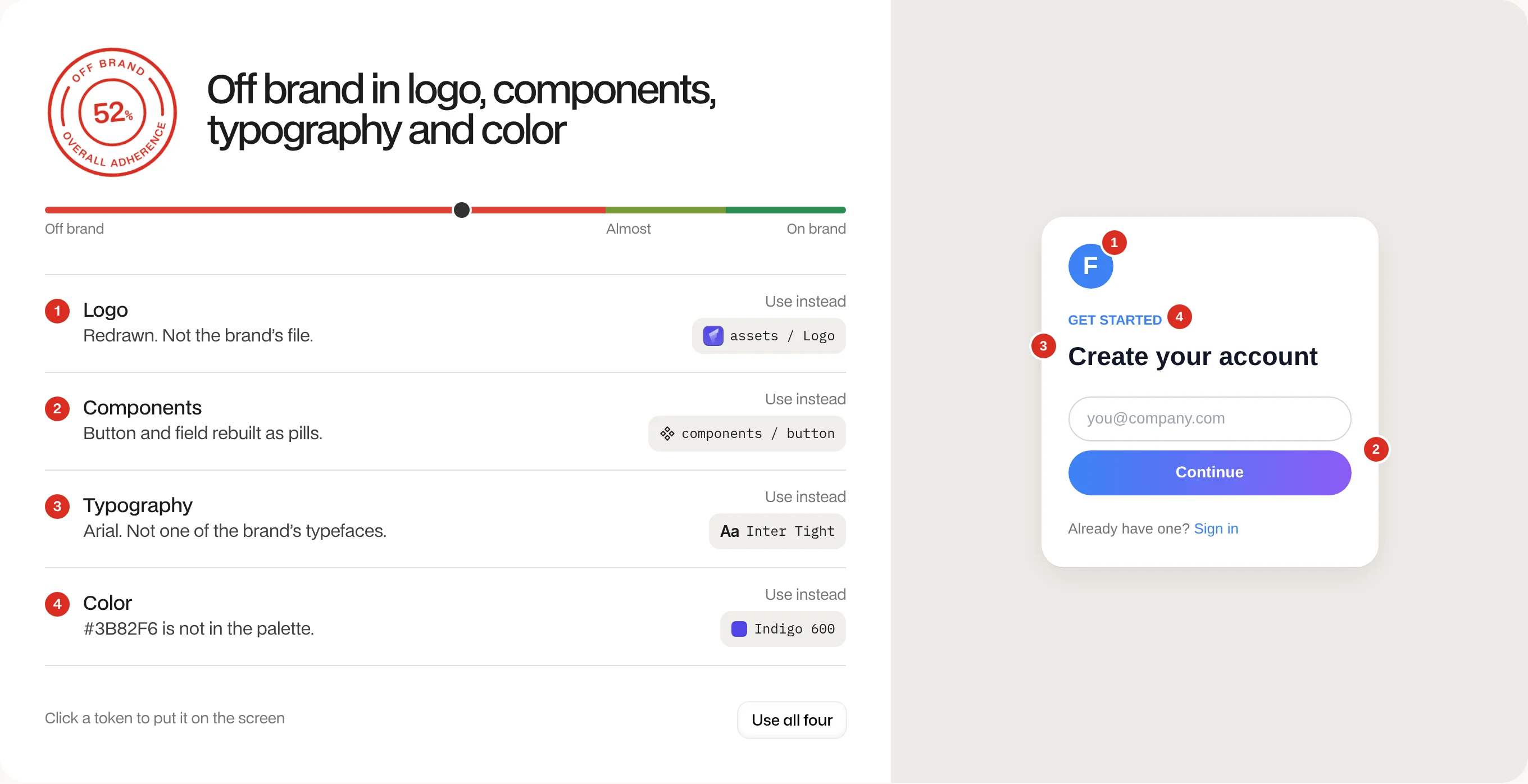
A score, every finding, and the token to use instead.
Pages and links
Paste one link or several, and each page is drawn and graded.
Files and code
Drop in a screenshot, a file or a snippet.
Behind a sign-in
Share a browser tab to check an app behind a login.
Copy against voice
Words are graded against your voice documents.
Drift, literal or gap
Every finding says what kind of miss it is.
In CI
Fail a build when a page drops below your score.
Agent hook
Claude Code checks its own work as it goes.
Over MCP and API
Agents grade code, copy or a URL with one call.
Connect every agent you use
MCP server
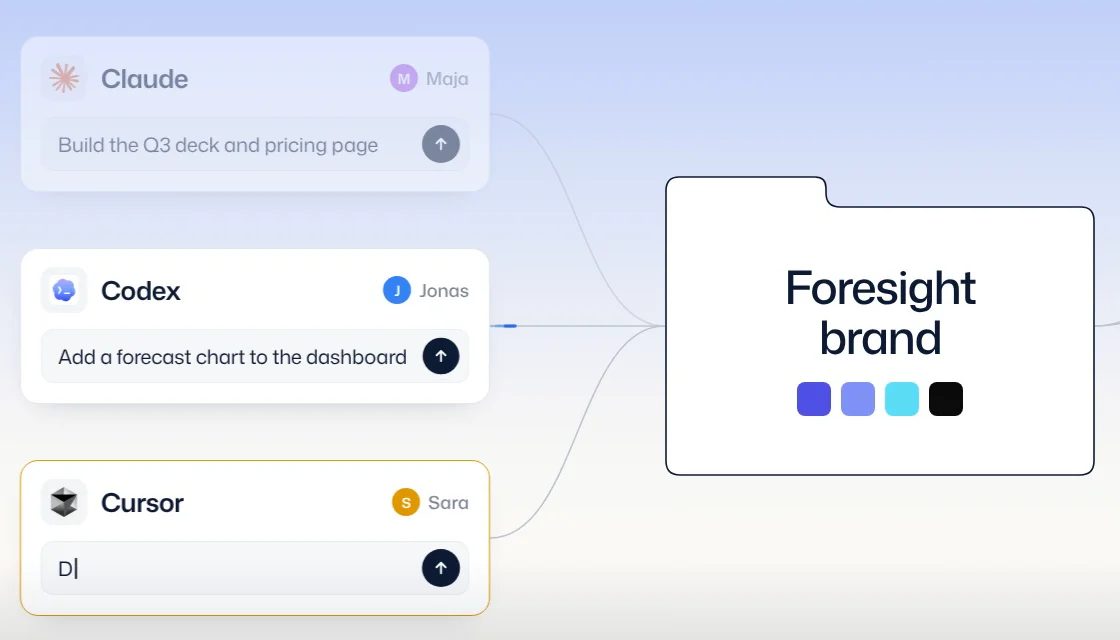
Claude, Cursor, Codex, v0 and any MCP client read your brand before they build.
Change it once
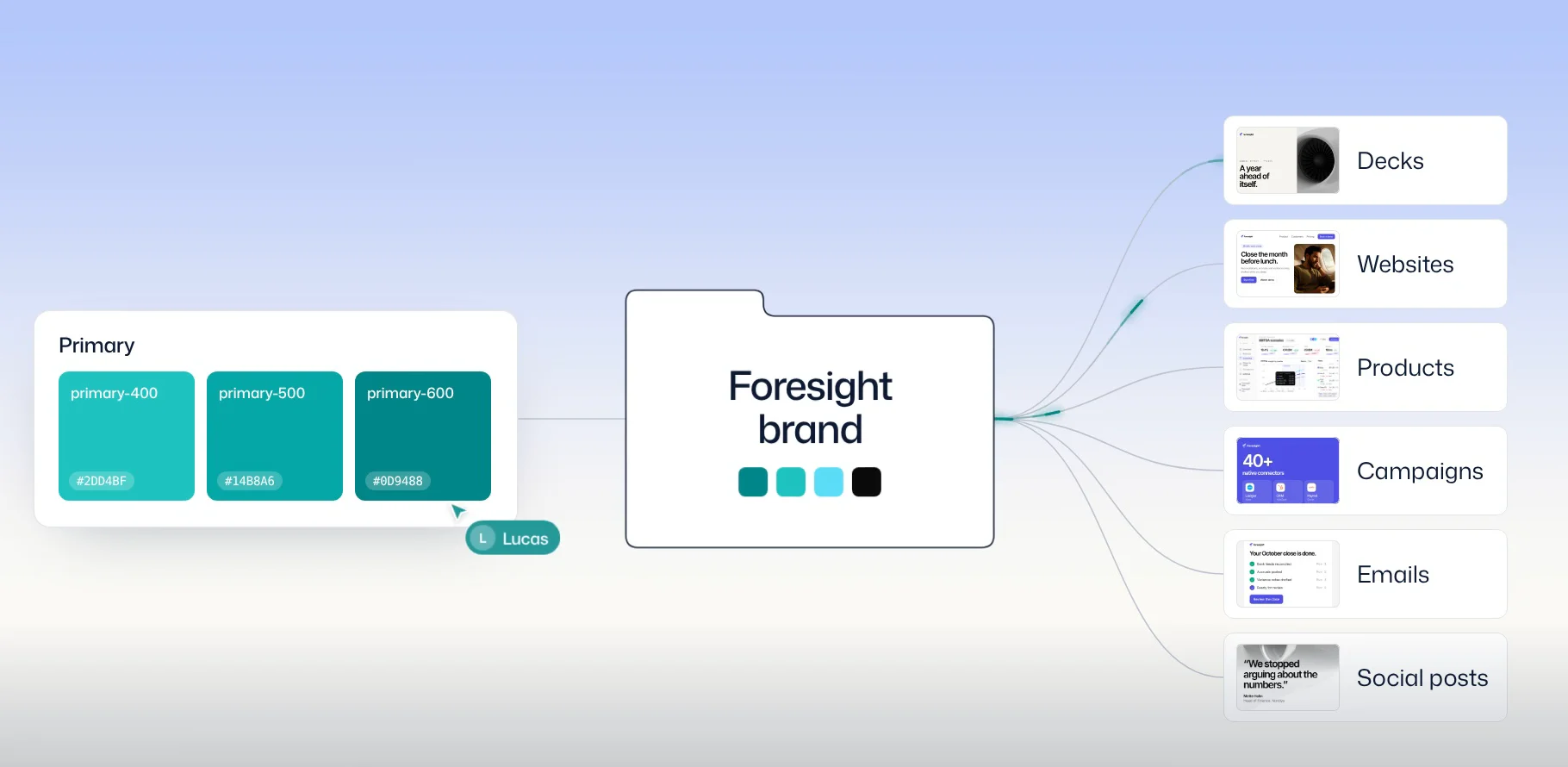
Retune a token and everything made from it follows.
One link per brand
Sign in, approve, done.
Four tools
Get, search, check and update the brand from any agent.
Agents that edit
Allow edits and agents add to the brand, with undo.
CLI
Pull your brand into a repo and keep it current.
GitHub Action
Opens a pull request whenever the brand changes.
Brand bundle
Tokens, Tailwind, brand.md and AGENTS.md in one zip.
API tokens
Fetch tokens.json, fonts.css and stable file links from anywhere.
Skills and docs
Skills and llms.txt that teach agents to build, audit and import.
Built for the whole team
Invites
Bring your team in by link or by email.
Comments
Threads with @-mentions on every part of the brand.
Roles and permissions
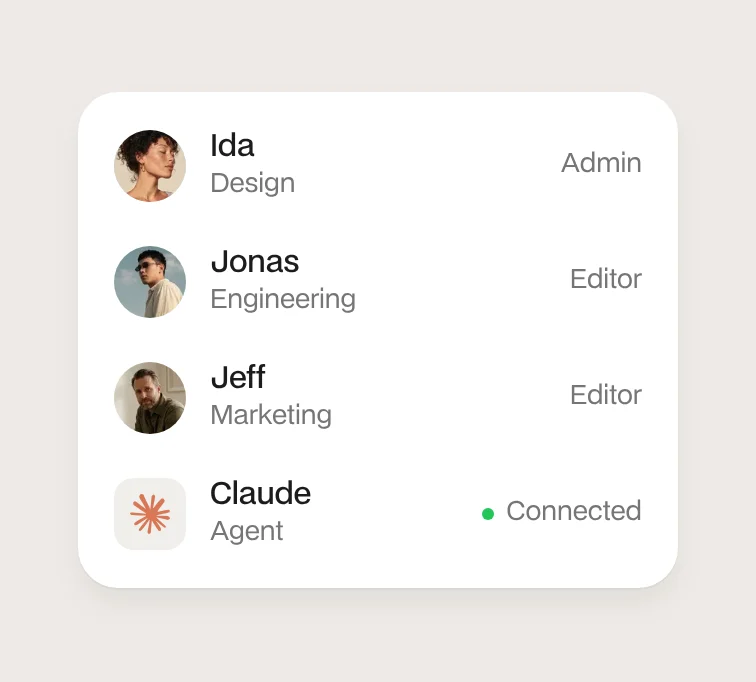
Viewer, Creator, Editor, Admin and Owner, each explained where you pick it.
Hand over a brand
Make someone else the owner and stay on as admin.
Many brands
One for each product or client, a click apart.
History
Every edit by a person or an agent, with before, after and undo.
Versions
Name a version, compare it, and restore one item or the whole brand.
Trash
Deleted files wait 30 days before they go.
Analytics
What agents fetch, who uses the brand, and what nobody found.
Public brand site
Share your brand with anyone at one link.
Search
One shortcut finds anything in the brand, from any page.
Keyboard shortcuts
Go anywhere and edit without the mouse.
Home
Your brand, how it is used and the latest work on one page.