
Archetype vs
Figma
Figma’s Build by Design brings guidelines and code to your libraries. Archetype takes the whole brand to every agent, and checks what they ship.
Start buildingThe brand every agent builds from
Tokens, components, templates and voice, served to every AI tool and checked against what ships.
 Figma
FigmaWhere your design lives
Libraries on the canvas, now with guidelines, code sources and specs for agents.
Feature by feature
Build
- Import from codeYesRepo or pasted codeIn partCode sources, beta
- Tokens and componentsYesYesVariables and libraries
- Components as codeYesHTML and CSSIn partCode layers, beta
- Usage guidelinesYesRules and lintYesOn libraries, beta
- Voice and messagingYesNo
- Asset libraryYesIn partIn files
- Design canvasIn partFor designsYes
Use
- Works in any AI toolYesOne MCP linkYesMCP server
- Guidelines for every agentYesOver MCPIn partFigma’s agent
- System gap scanYesIn partPreview
- Check what you shipYesPages, code, imagesNo
- Sync with your repoYesPull requestsNo
- Checks in CIYesNo
Manage
- History and versionsYesYes
- Roles and permissionsYesYes
- Yes
- In part
- No
Figma as its October 2026 “Build by Design” announcement describes it. Something here out of date? Write to support@heyarchetype.com.
Only in Archetype
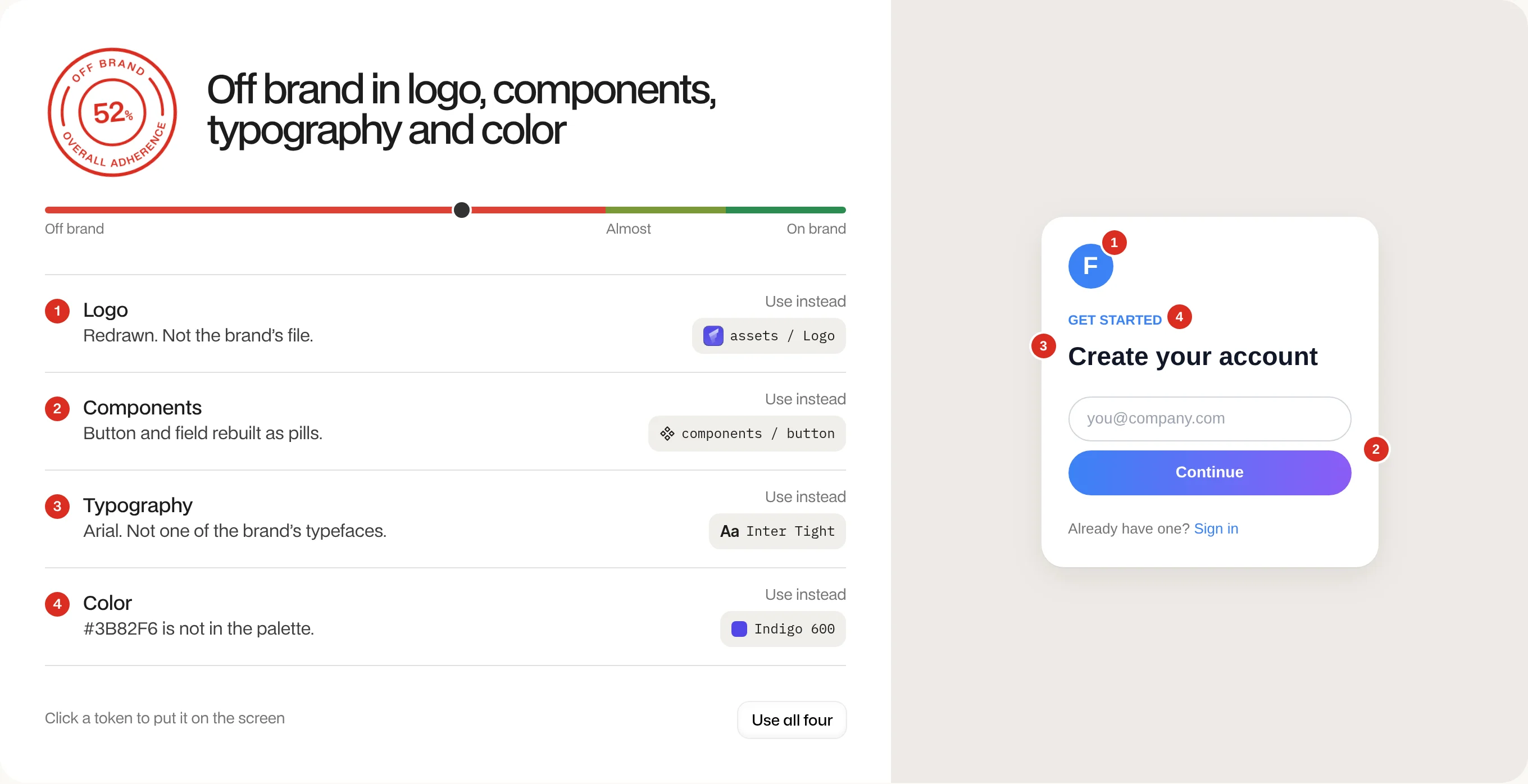
Check what you ship
A score, every finding, and the token to use instead.
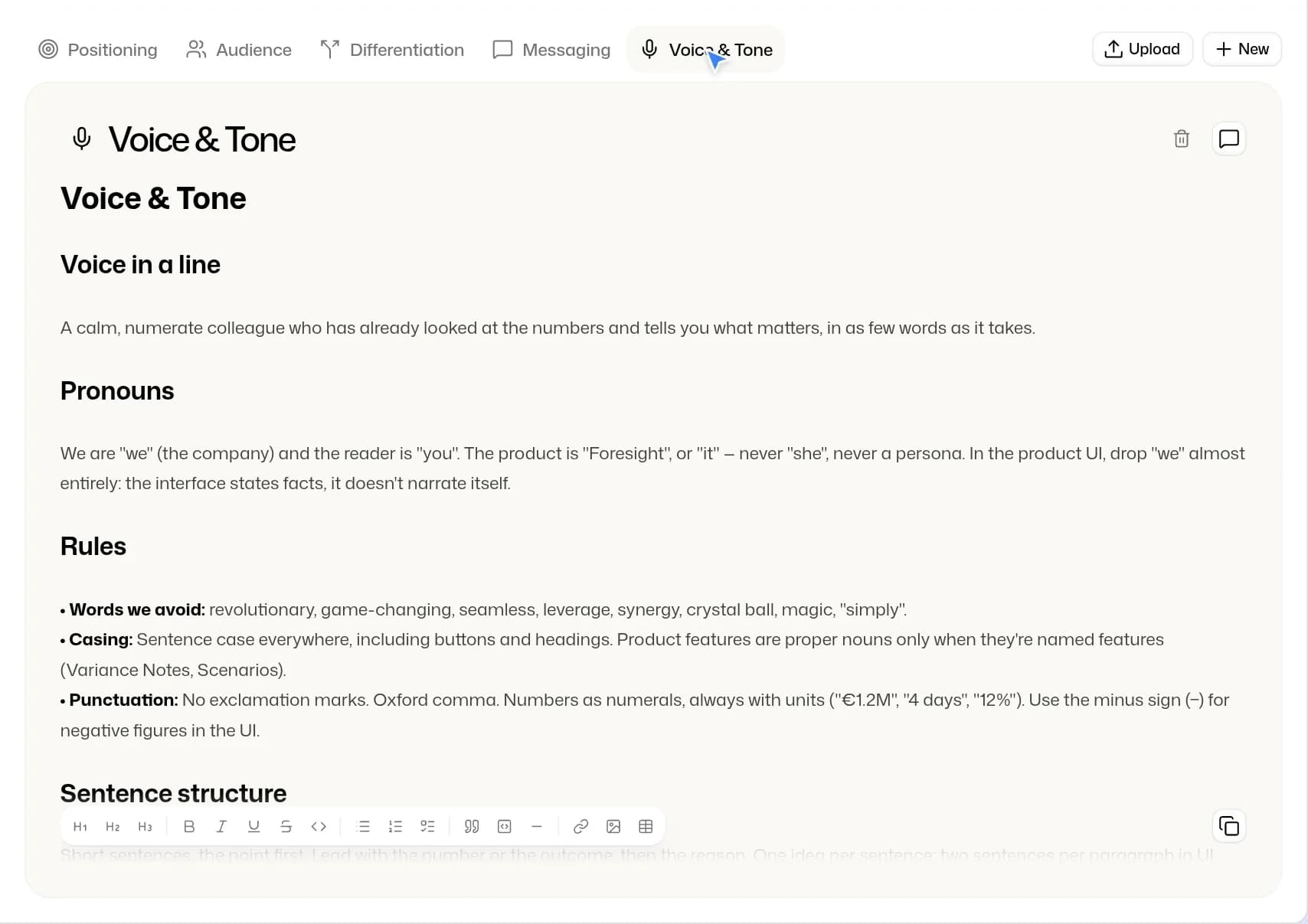
Voice
Positioning, audience, messaging and tone, written where agents read them.
Pages and links
Paste one link or several, and each page is drawn and graded.
In CI
Fail a build when a page drops below your score.
Agent hook
Claude Code checks its own work as it goes.
Pull requests on change
Retune a token and your repos get a pull request with it.
Keep Figma
Design where you design. Archetype imports your .fig files, then serves the brand to every agent, with the voice and the checks Figma doesn’t hold.
Start building